Everything here was born from a real counter problem, not from a feature list.
Hold Ctrl, select the files that go the same way and change color, double-sided, copies, paper or printer for two, ten or the whole order in one click. The sheet preview shows how it will come out.
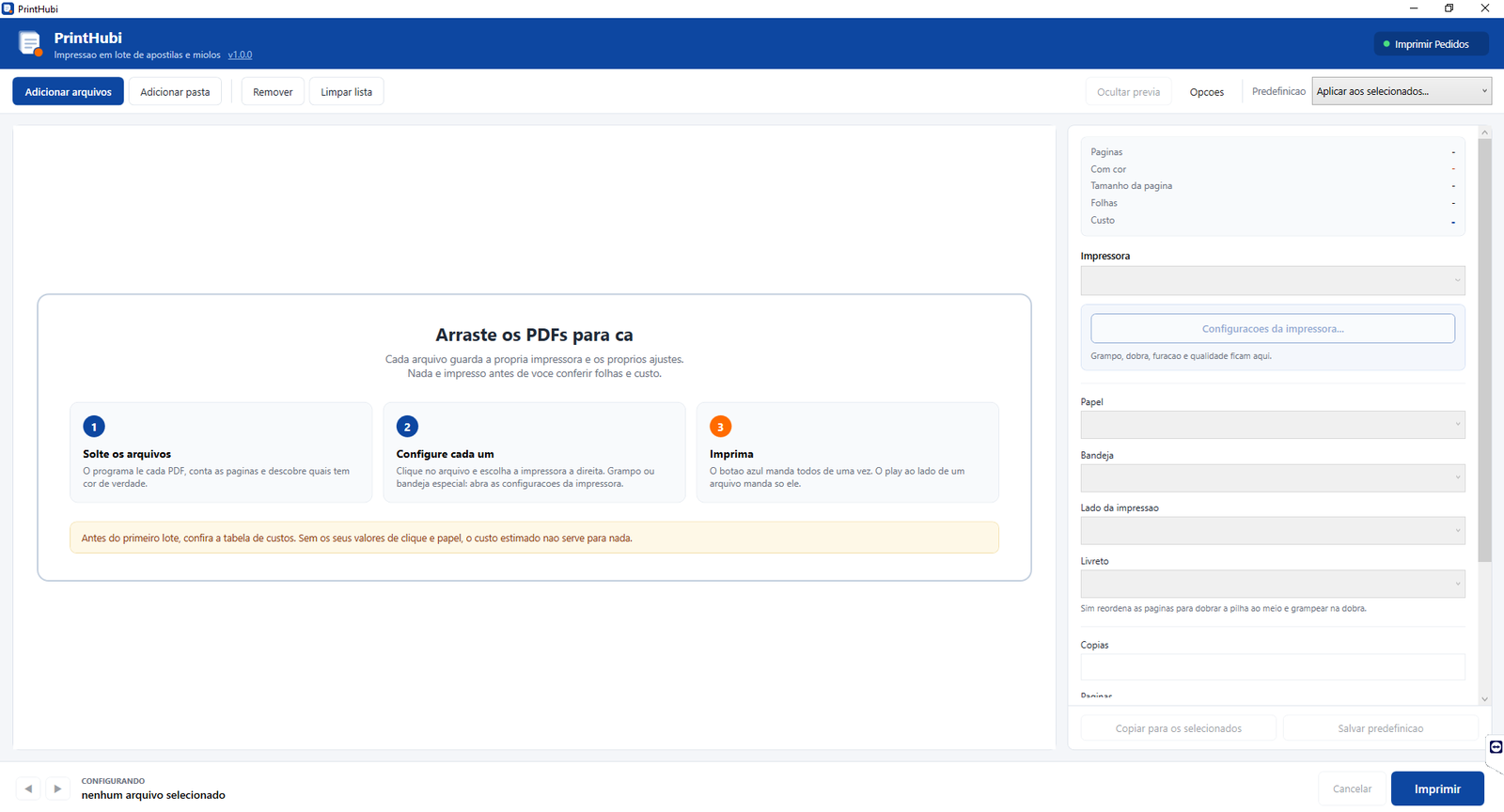
For what repeats every day, set it up once: the words that appear in the file name or in the order, the printers, the tray, the paper and even the driver setting. Then the setup comes ready and you just check it.
Before sending, the screen shows sheets, pages and estimated cost, the order's warnings and what was left out. You can print the whole order, just a part, or the files you select.
Without changing how your print shop works, with no server and no training course.
One file, the order folder or the whole day's batch, just as it arrives.
Select the ones that go the same way and sort out color, copies, paper and printer in one go.
PrintGestor sends one file after another, in order, to each printer.
If your day is spent opening file after file in the print dialog, this is for you.
7 days free, no card required. Pricing is on the home page.
